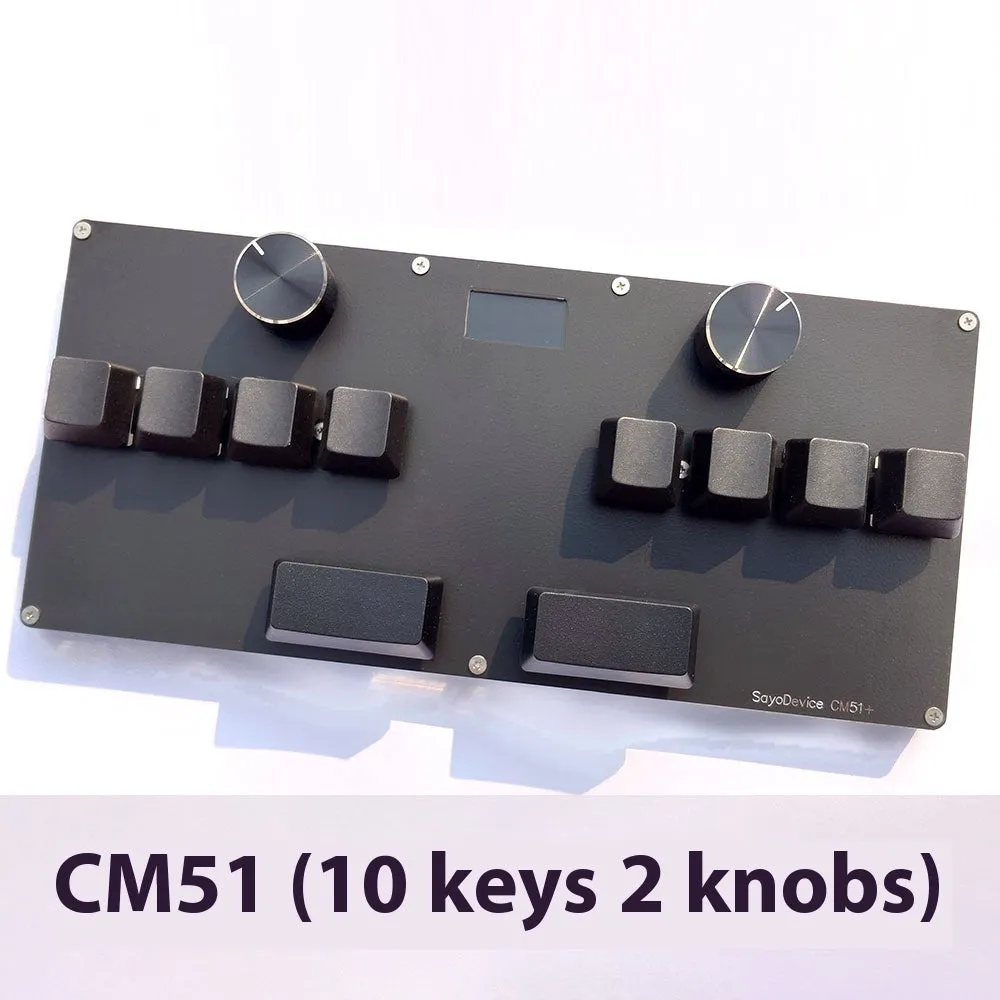
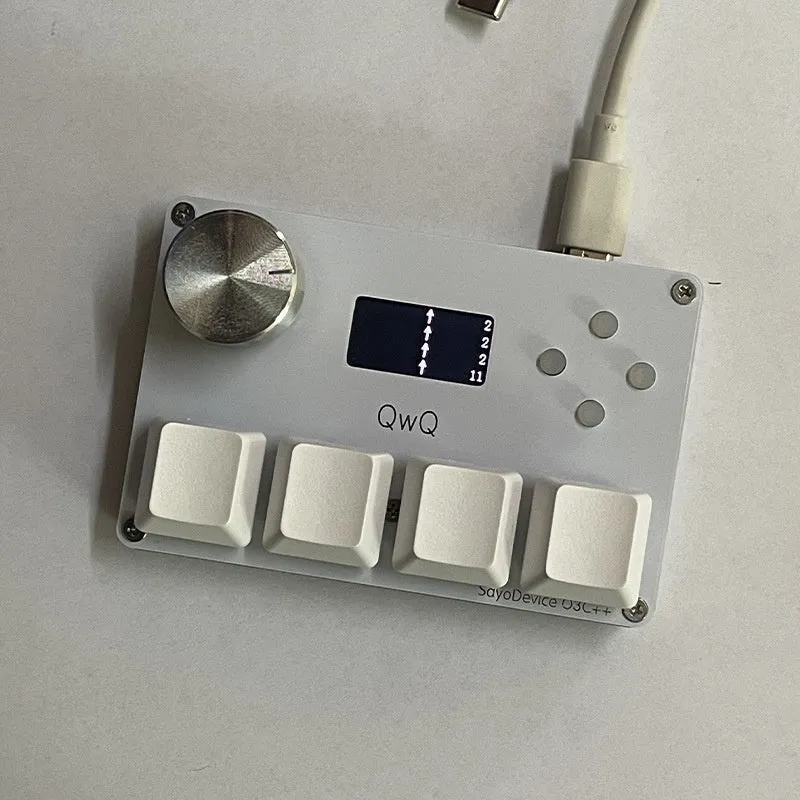
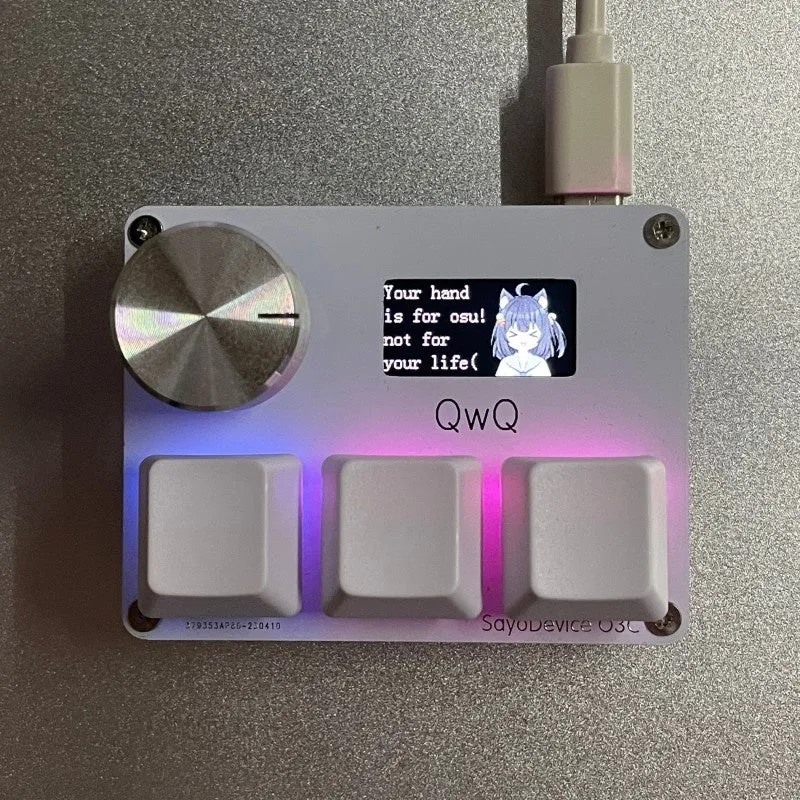
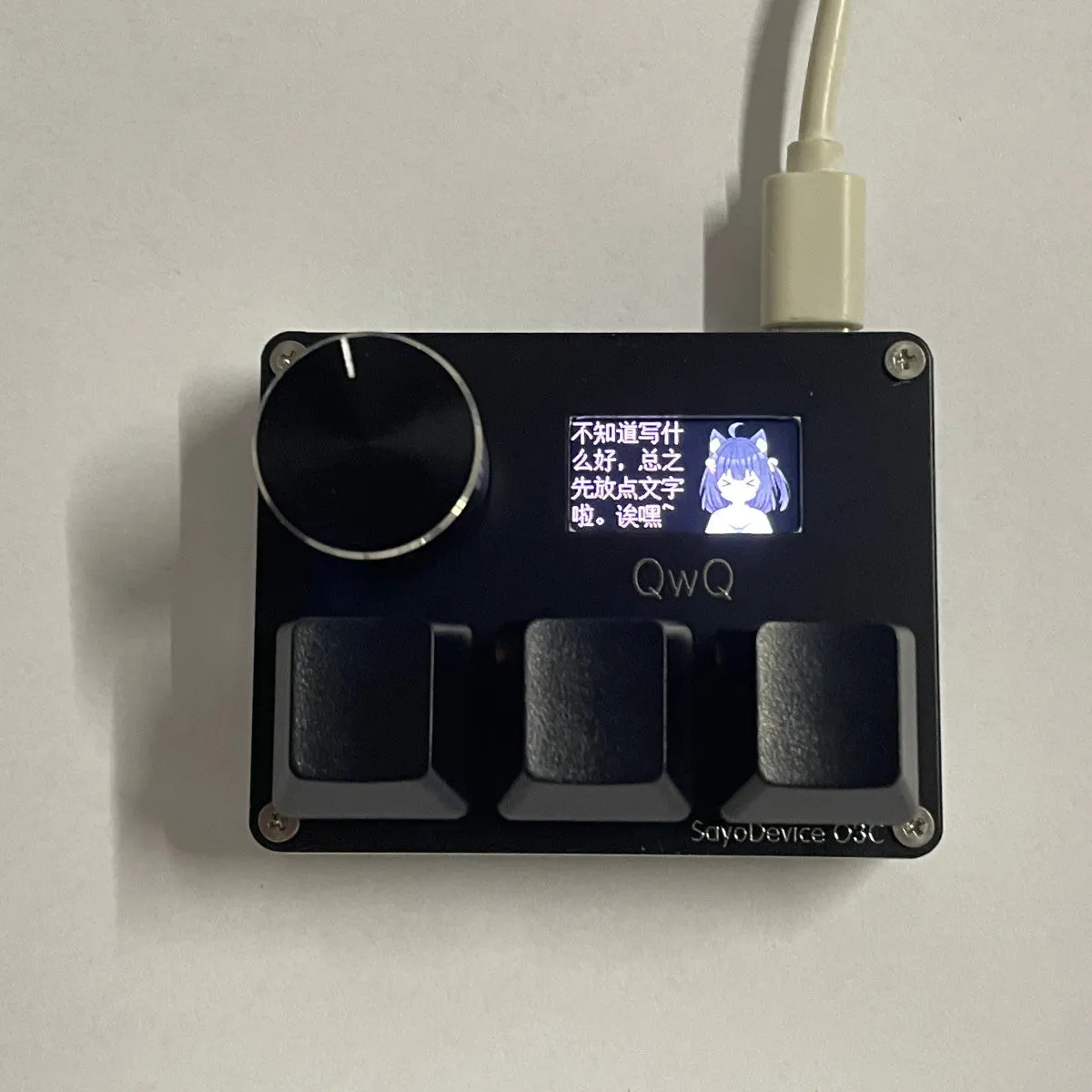
Magnetic axis game keyboard knob customised numeric keypad with Hall effect switches, 0.96-inch IPS colour screen, programmable RGB backlight, and USB 2.0 plug-and-play connectivity for PC gaming shortcuts and macros


Magnetic axis game keyboard knob customised numeric keypad with Hall effect switches, 0.96-inch IPS colour screen, programmable RGB backlight, and USB 2.0 plug-and-play connectivity for PC gaming shortcuts and macros
Magnetic Axis Gaming Keypad with Customisable Knob, Colour Screen, and Programmable Shortcuts

This numeric keypad is engineered for PC gamers seeking a highly personalised control interface beyond a standard keyboard. Its core functionality revolves around Hall magnetic axis switches, which allow for unprecedented adjustment of both trigger and release points, measured in precise 0.05mm increments. This level of customisation, including support for Rapid Trigger technology, lets you fine-tune the feel and response speed for different game genres. The unit integrates a vivid 0.96-inch IPS colour screen, not just for display but as a configurable tool for monitoring key stats or showing custom graphics. Coupled with a programmable knob and dedicated shortcut keys, it transforms into a command centre for complex macros and immediate in-game actions.
Features and Construction

Built around a non-metallic chassis, this keypad focuses its engineering on internal components and user interface rather than heavy-duty exterior materials. The design prioritises a lightweight profile suitable for desk use, with all customisation managed through software connected via the high-speed USB interface.
Material and Build
The keyboard's primary construction uses a non-metallic material for its case, as specified in the product information. This choice contributes to a lighter overall weight, making it easy to reposition on a desktop. It is important to note that this construction does not provide a waterproof seal, so the unit should be kept clear of spills and moisture. The build quality is directed towards the internal electronic components—the magnetic axis switches, the IPS screen, and the programmable circuitry—which define its performance and customisation capabilities.
Size and Practical Fit
The keypad is designed as a separate numeric unit, intended to sit alongside a primary keyboard. Its footprint is compact, housing either 3 or 4 primary keys depending on the selected model, plus the central control knob. The included default data cable measures 2 metres in length, offering ample reach for most desktop PC setups without requiring an extension. This allows for flexible placement to the left or right of your main keyboard, putting the programmable shortcuts and knob within easy reach during gameplay or productivity tasks.
Uses and Placement
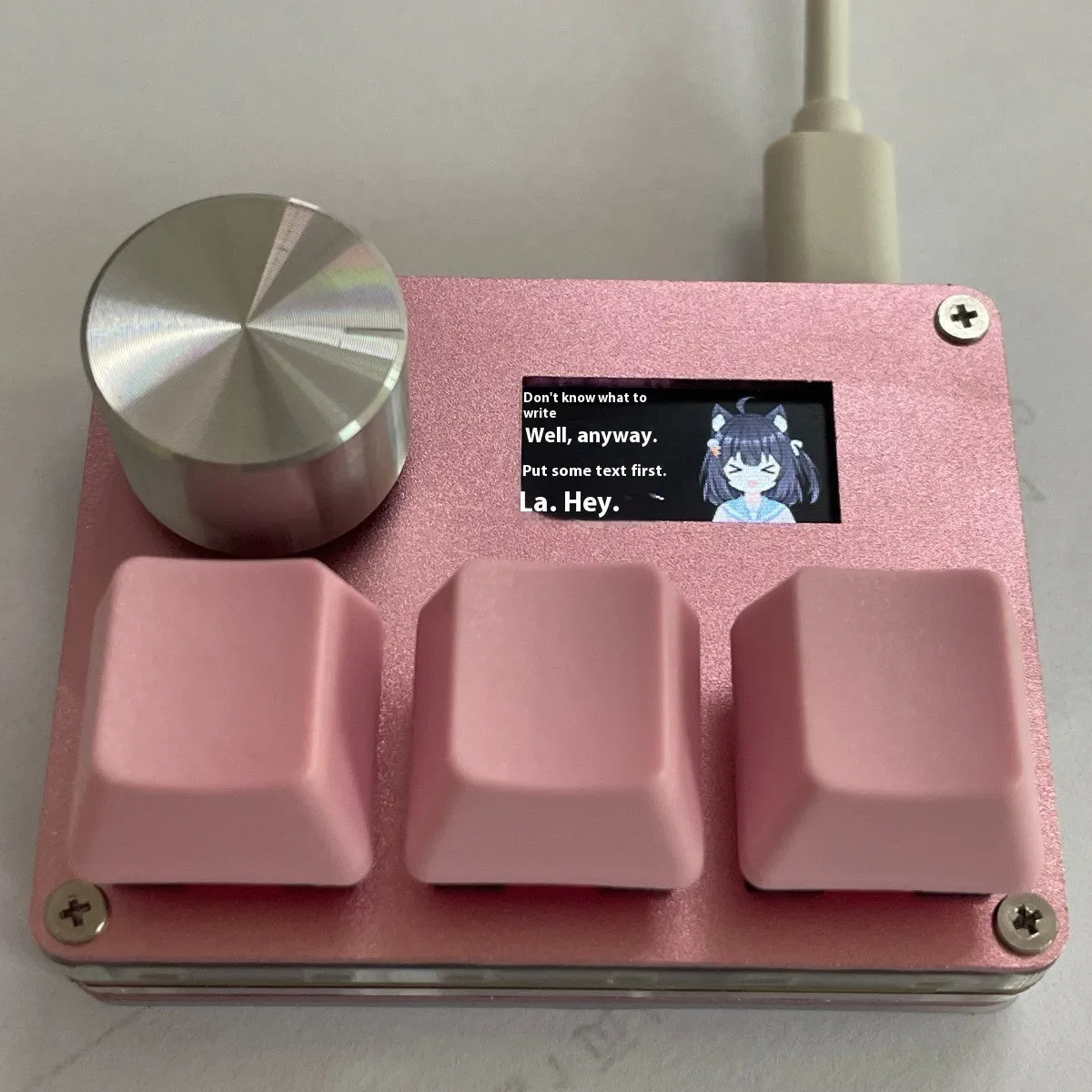
This device excels in scenarios where rapid, repeatable inputs or complex command sequences are required. Its programmability makes it far more versatile than a standard number pad, acting as a dedicated macro controller that can be tailored to specific software or games.
Event or Professional Use
For competitive gaming or live streaming, the keypad's high-speed 8000Hz polling rate minimises input latency, a critical factor for real-time strategy and first-person shooter titles. Broadcasters can assign the knob to control audio mix levels or scene transitions in streaming software, while the screen can display a viewer count or custom alert. The ability to set different RGB colours per configuration layer provides instant visual feedback on which profile is active, preventing mistakes during high-pressure use.
Everyday Home Use
Beyond gaming, the keypad simplifies daily computer tasks. Programme the knob to scroll through web pages, spreadsheets, or document timelines. Assign the shortcut keys to launch applications, execute text macros for repetitive typing, or control media playback—for example, setting one key to play/pause and the knob to adjust volume. The screen can be customised with a static image or a gentle animation, serving as a small desk ornament when not in active use for its technical displays.
Benefits and Buying Value
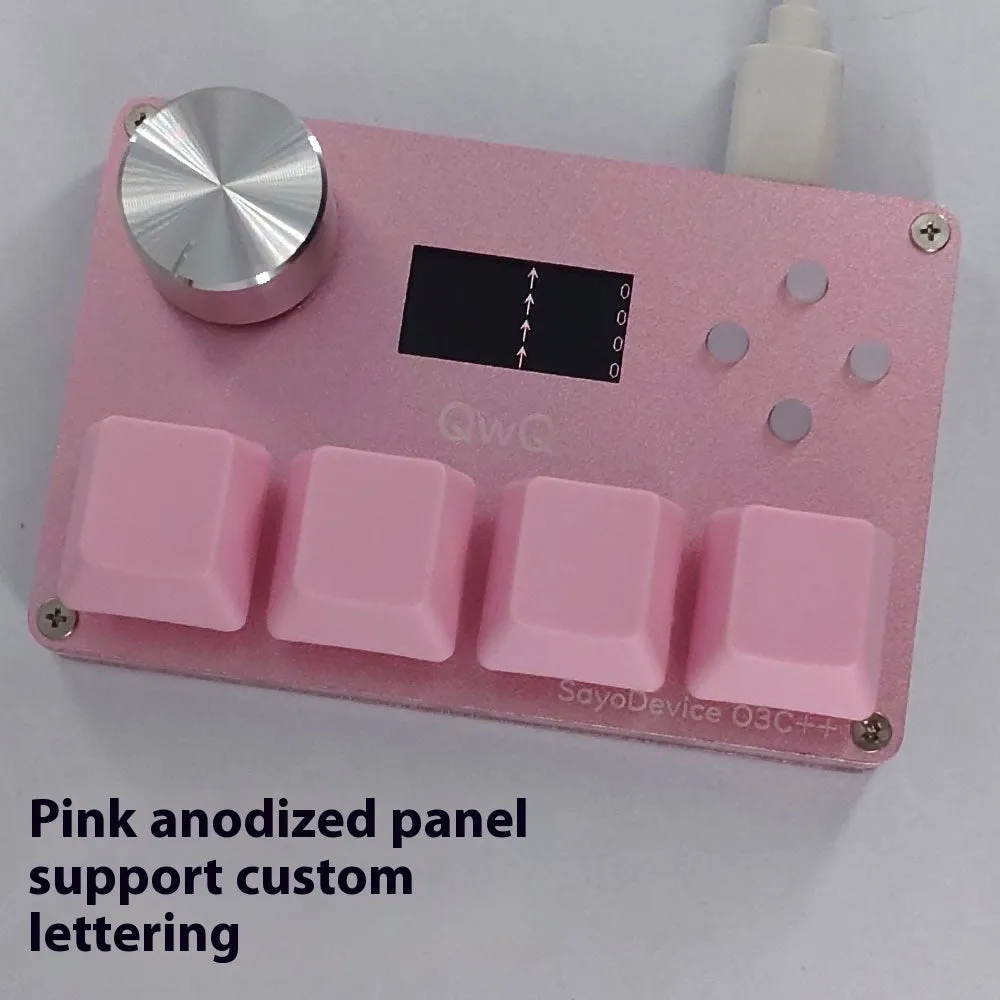
The value of this keypad lies in its deep customisation and the tangible control it offers over input mechanics, which are typically fixed on standard peripherals. It provides a professional-grade tool for enthusiasts without requiring a full, expensive keyboard replacement.
Reuse and Low Maintenance
The magnetic Hall effect switches are renowned for their longevity, as they operate without physical contact that causes wear. This design suggests a potentially extended functional lifespan compared to traditional mechanical switches. Maintenance is minimal; the non-metallic case can be cleaned with a dry cloth, and the software allows you to recalibrate the axes or reset configurations at any time, keeping the device adaptable to new games or uses for years.
Why Choose This Product
Choose this keypad if you need granular control over switch actuation for competitive gaming advantages, or if you regularly use complex shortcuts that are cumbersome on a full keyboard. The combination of the adjustable magnetic axes, the visual feedback from the IPS screen, and the tactile control of the programmable knob creates a unique interface not commonly found in standalone pads. It offers a focused upgrade path, letting you enhance a specific part of your setup—your auxiliary inputs—with high-end, customisable technology.